Mobile is Huge
... and native is leading the way
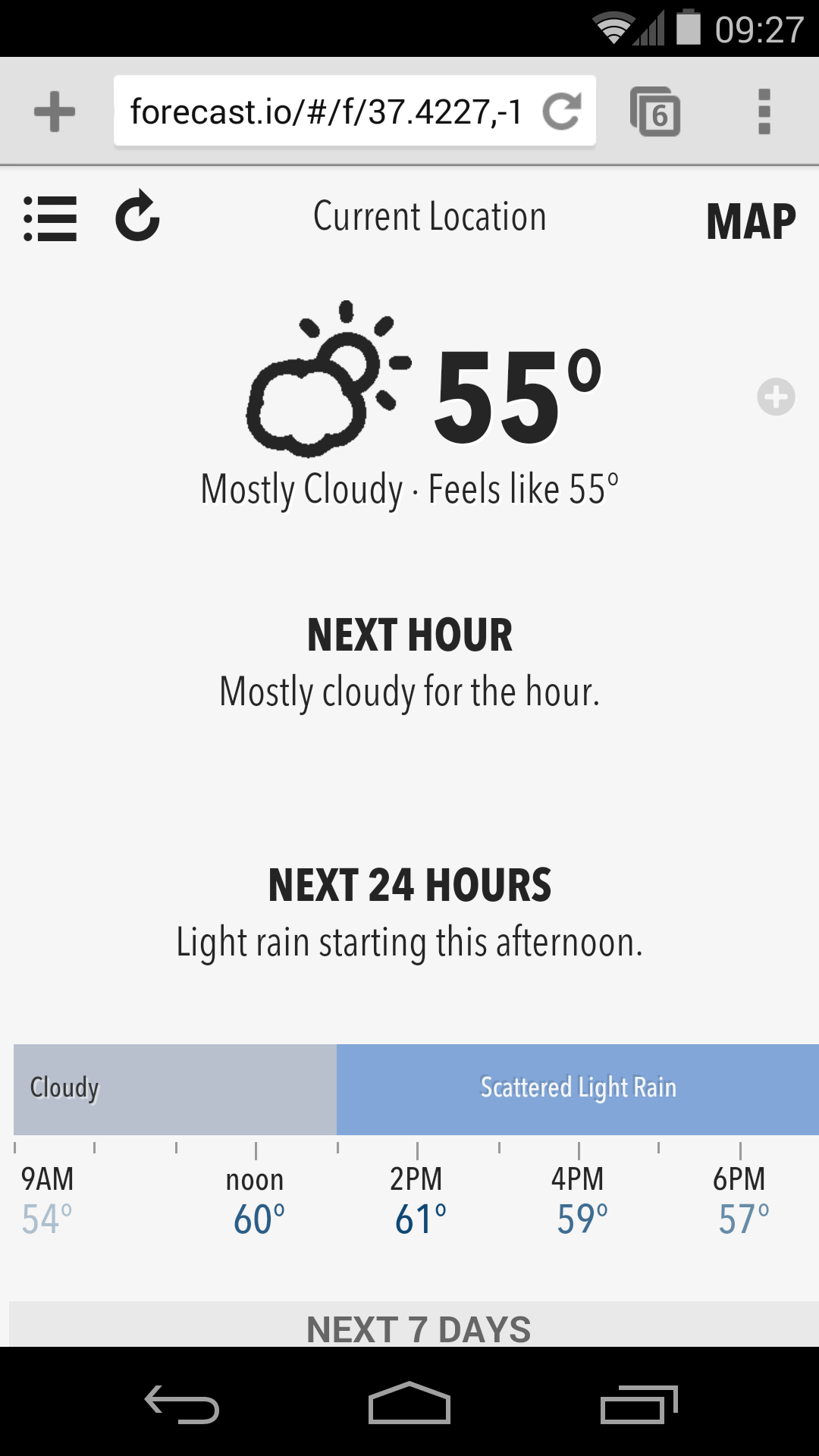
We have some great web experiences


But...
53% had a desktop experience
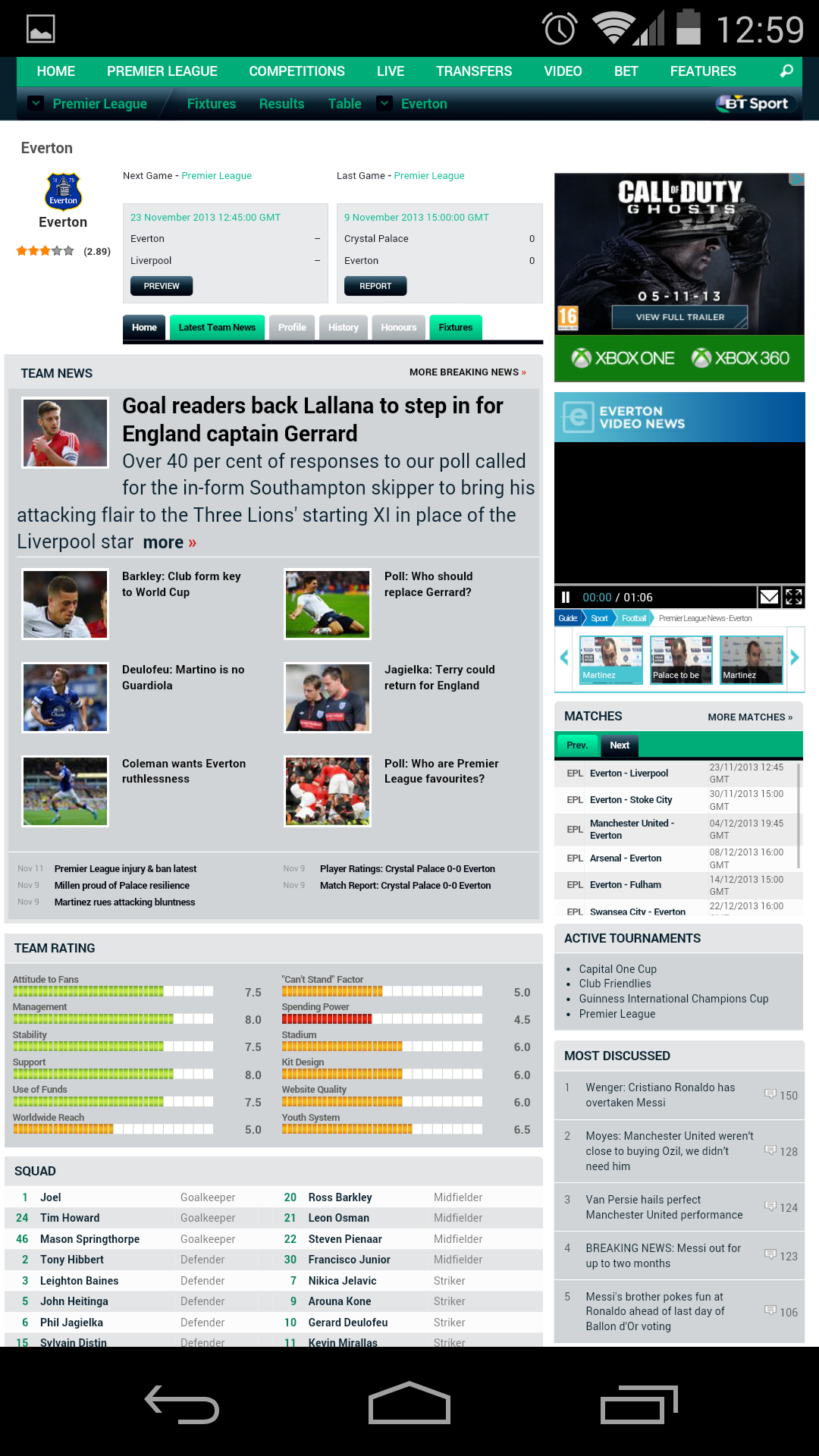
25% didn’t fit in on screen

83% have hard to touch tap targets

60% have text readability issues
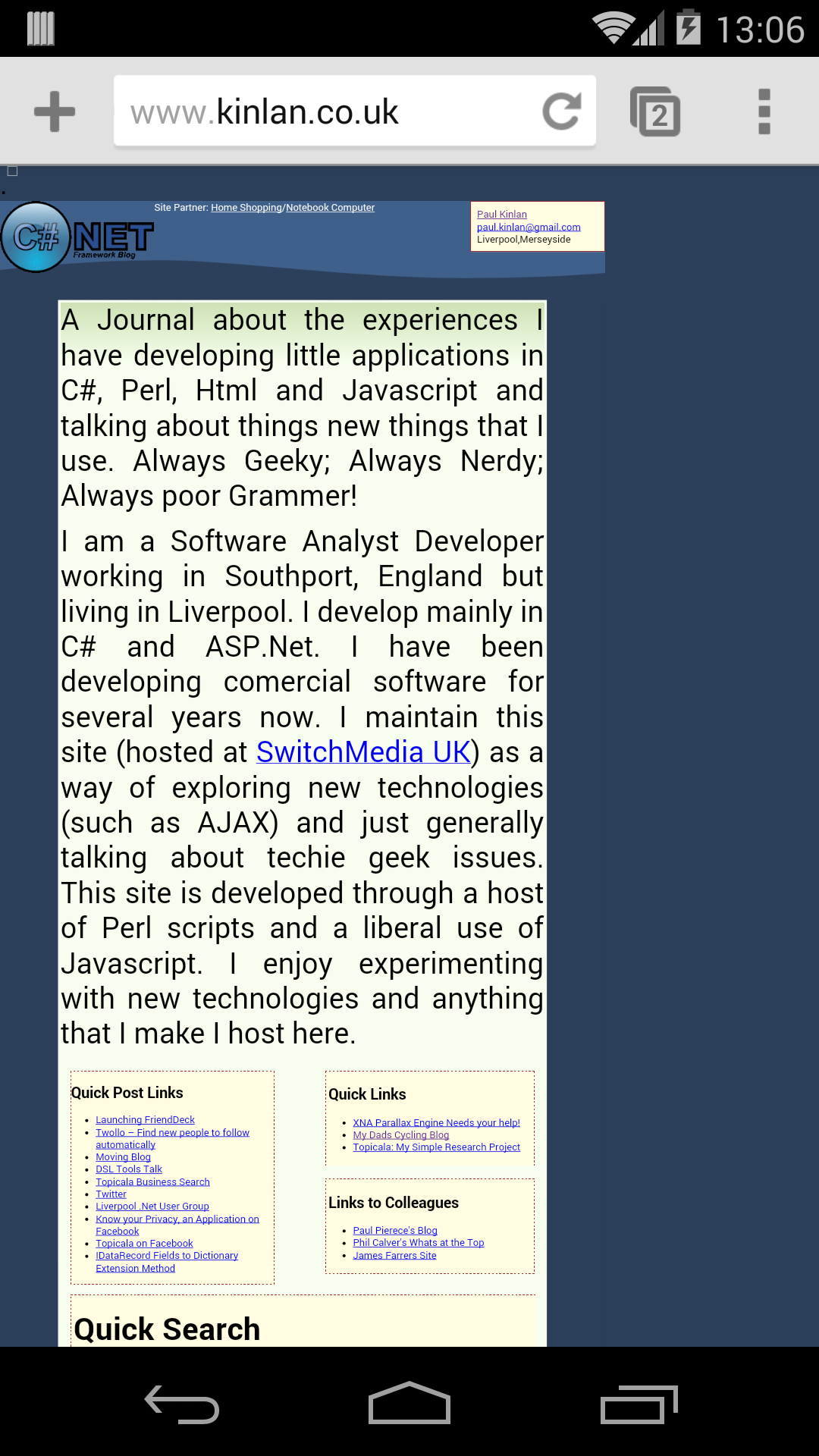
10% used Plugins

We built a tool to help!
PageSpeed Insights for UX
developers.google.com/speed/pagespeed/insights/
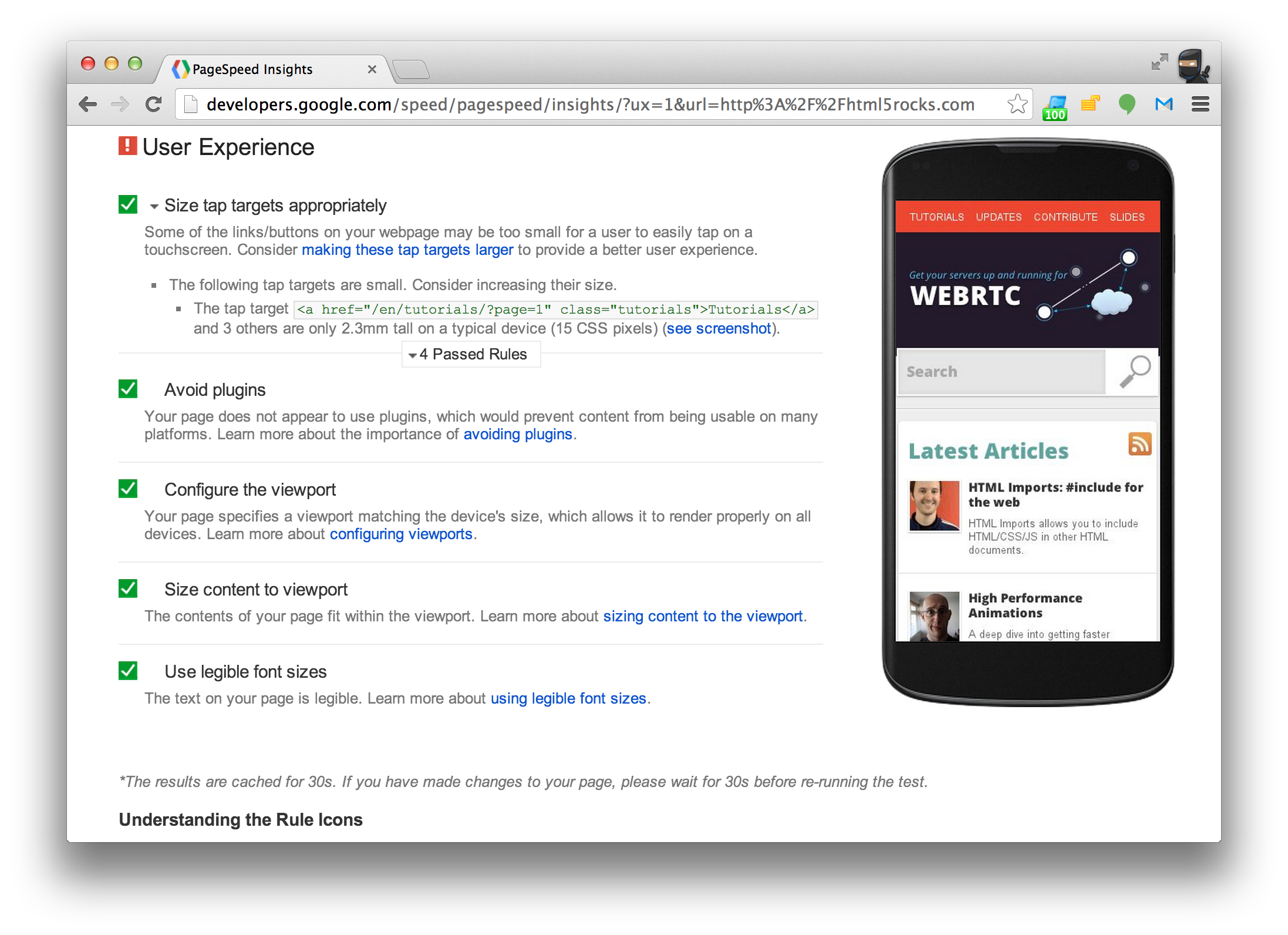
- Checks viewport configuration
- Determines if text is legible
- Finds un-tappable touch targets
- Identifies usage of legacy plugins
Mobile Web UX building blocks
Picture: Eran Sandler - http://www.flickr.com/photos/51385424@N00/2253657555
- Display
- Interactions
Display
Always use a viewport
The most critical element for mobile!
<meta name="viewport" content="width=device-width" />
<meta name="viewport" content="initial-scale=1.0" />
- Set width=device-width
- Use a fixed viewport
Nexus 4 - 39%
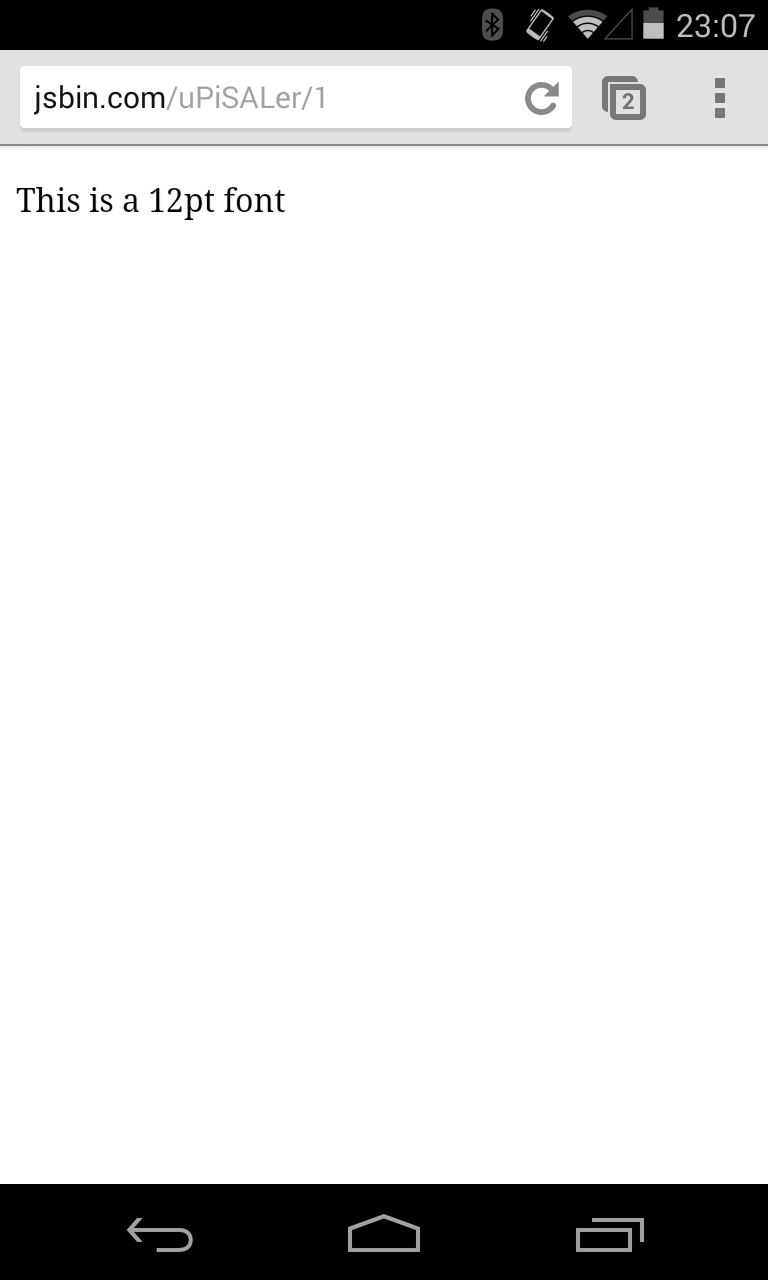

12pt font reads like a 5pt font
Nexus 5 - 37%
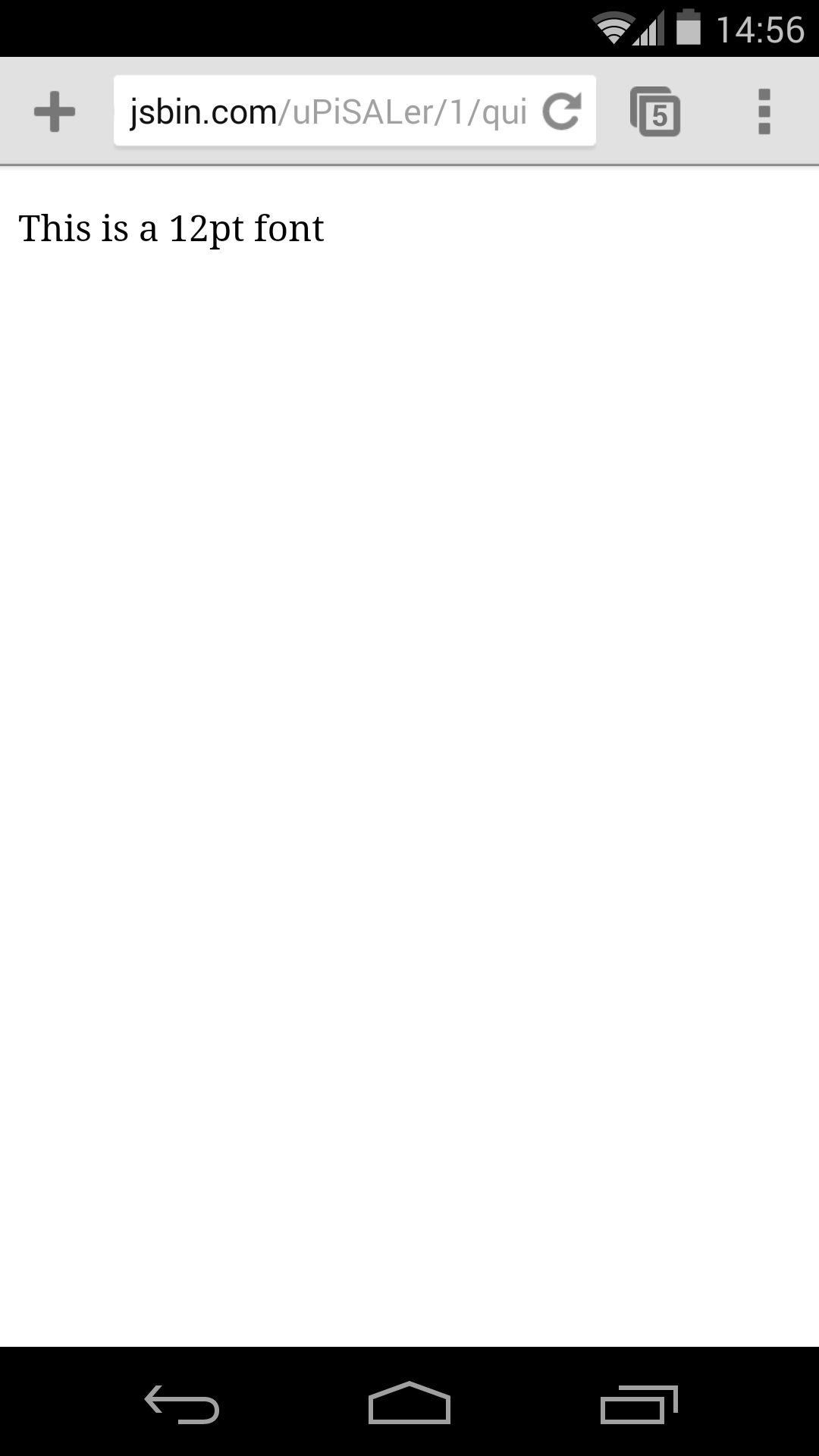

12pt font reads like a 4pt font
Nexus 7 - 61%


12pt font reads like a 7pt font
Nexus 10 - 82%

12pt font reads like a 9pt font
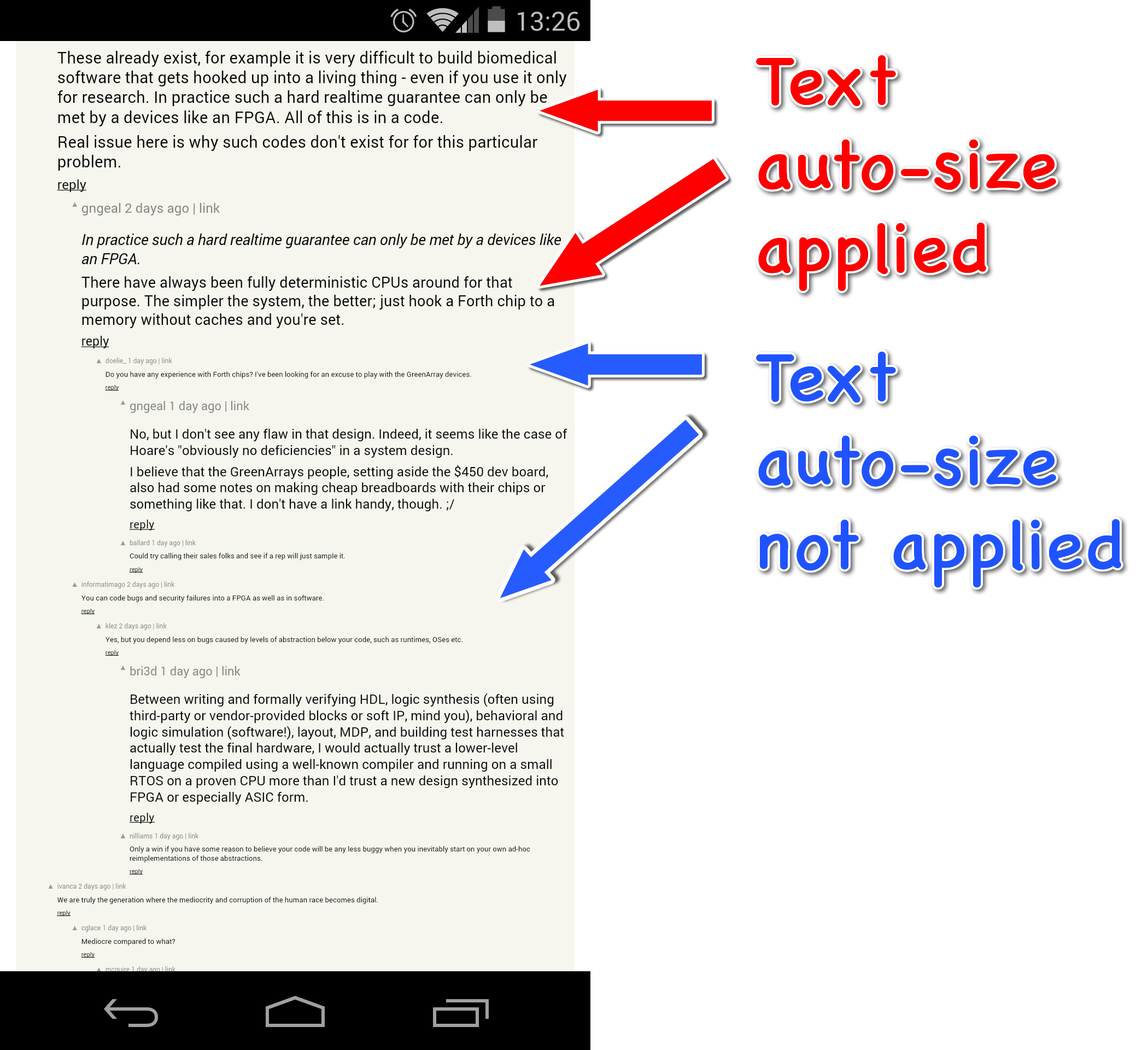
It's all a lie
Browsers use "Text Auto-size"
It ruins your non-mobile designs
- Use a viewport
- Try to size the page > 100,000 px
Fit content in viewport
- It drives users crazy
- Some platforms have scroll lock
Who has a 24 inch phone?
Media Queries
Adaptive to screen size
@media screen and (min-width: 800px) { ... }
@media screen and (device-aspect-ratio: 16/9) { ... }
@media screen and (resolution: 2dppx) { ... }
Adaptive to orientation
@media screen and (orientation: portrait) { ... }
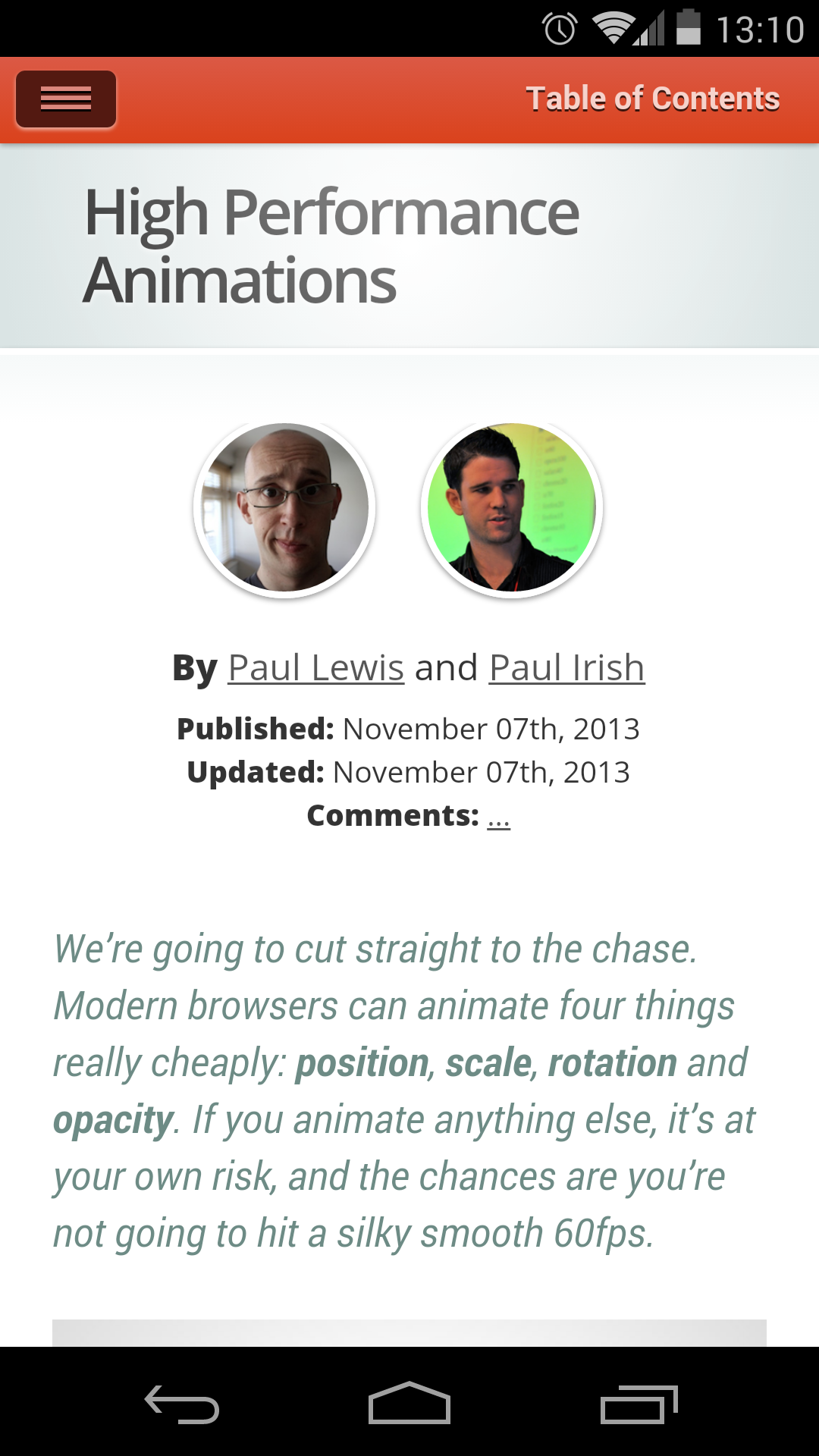
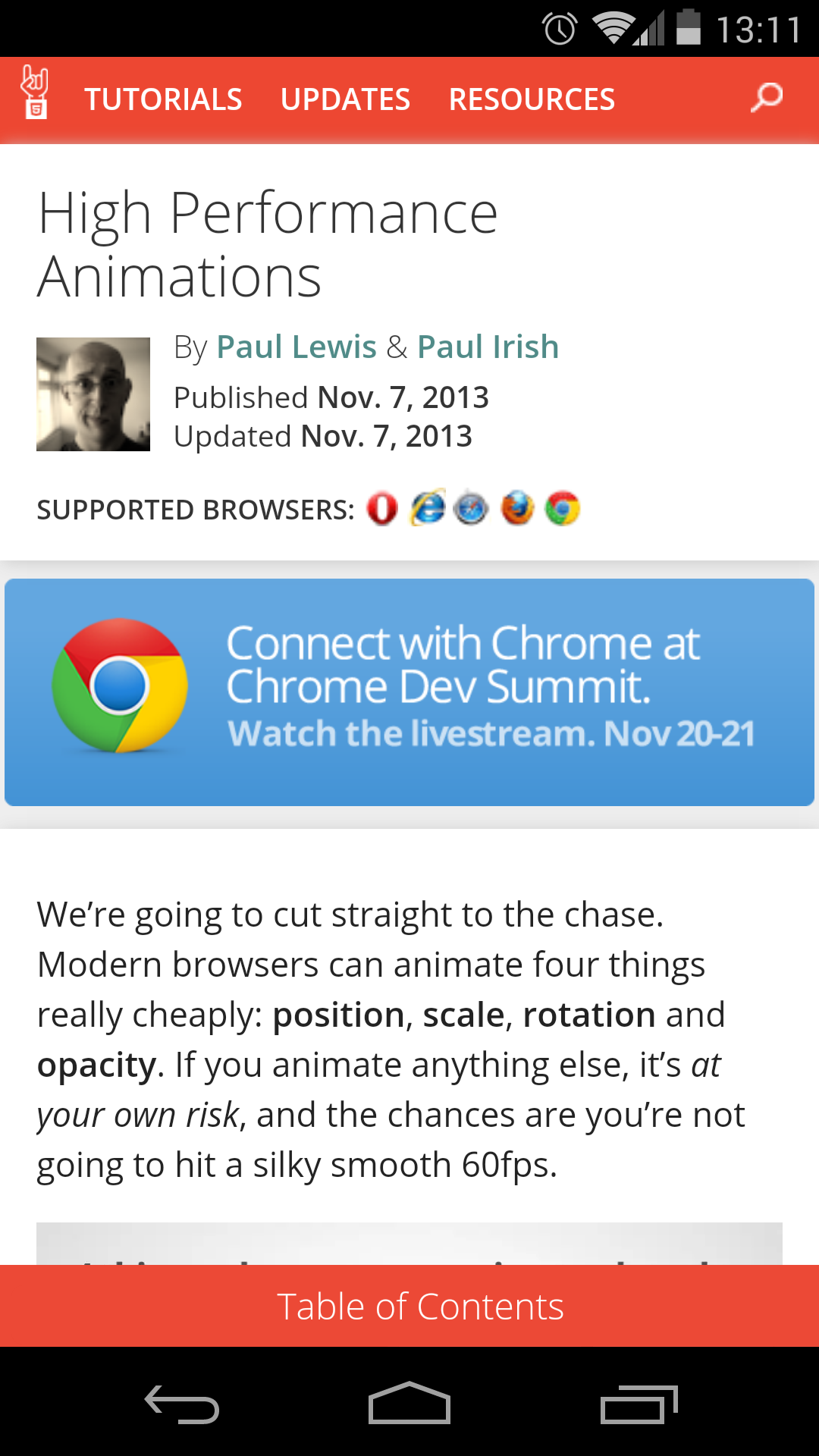
HTML5Rocks redesign
From 17 media queries to 4
Font readability
If users can’t read the words in your app, it doesn’t matter how beautiful the typography is
- Minimum 12pt == 1 em == 16 px
- Increase contrast
- Maintain good line height

Limit use of Web Fonts
FOUT — Flash of Un-styled Text
Inconsistent implementations
- Use for headings
- Use on body text
Paul Irish FOUT discussion: goo.gl/9q6YbI
Interaction
Click disambiguation
User clicks a link

User clicks a link
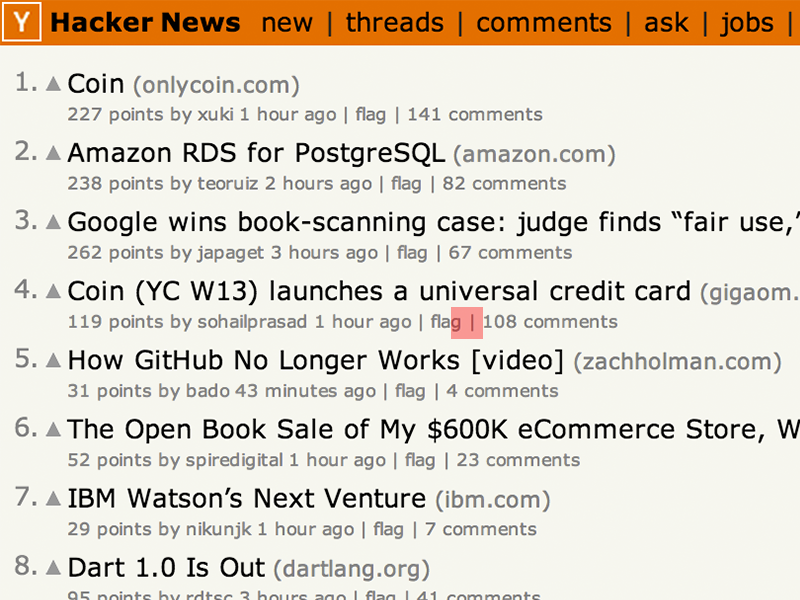
- Creates Tap target box
User clicks a link
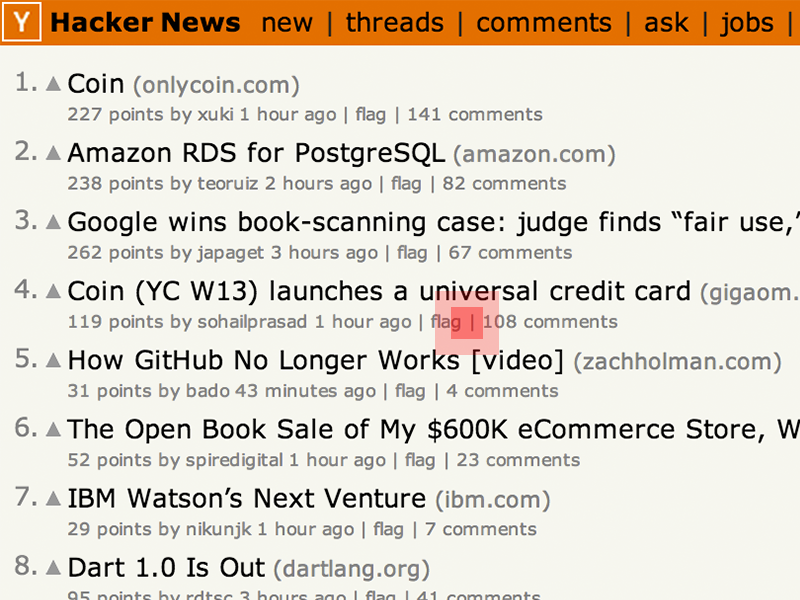
- Creates Tap target box
- Adds bounding box around tap
User clicks a link
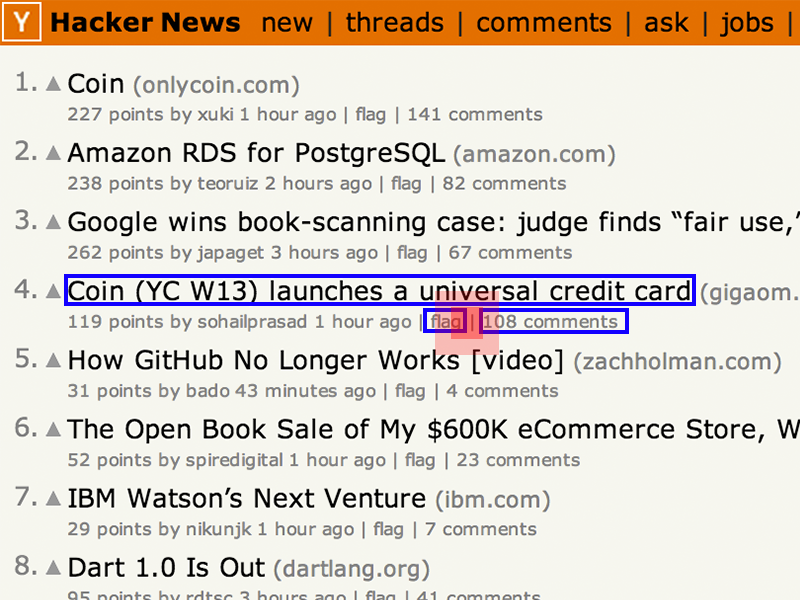
- Creates Tap target box
- Adds a bounding box around tap
- Finds all targets with bounding box
User clicks a link
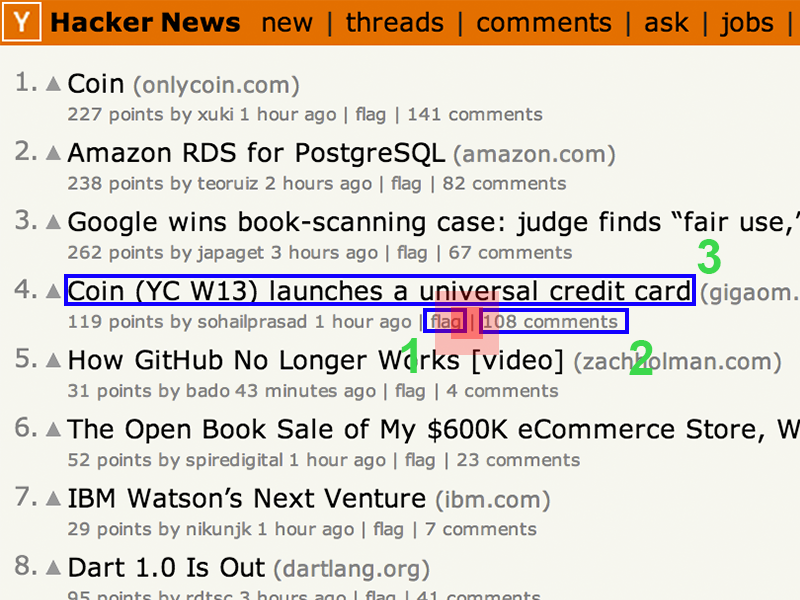
- Creates Tap target box
- Adds a bounding box around tap
- Finds all targets with bounding box
- Scores each element for closeness to touch
User clicks a link
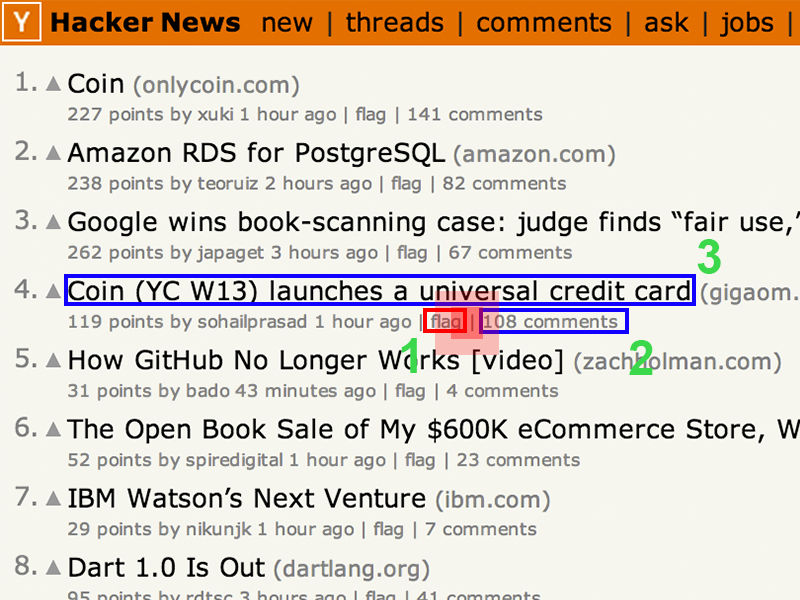
- Creates Tap target box
- Adds a bounding box around tap
- Finds all targets with bounding box
- Scores each element for closeness to touch
- Finds the closest
User clicks a link
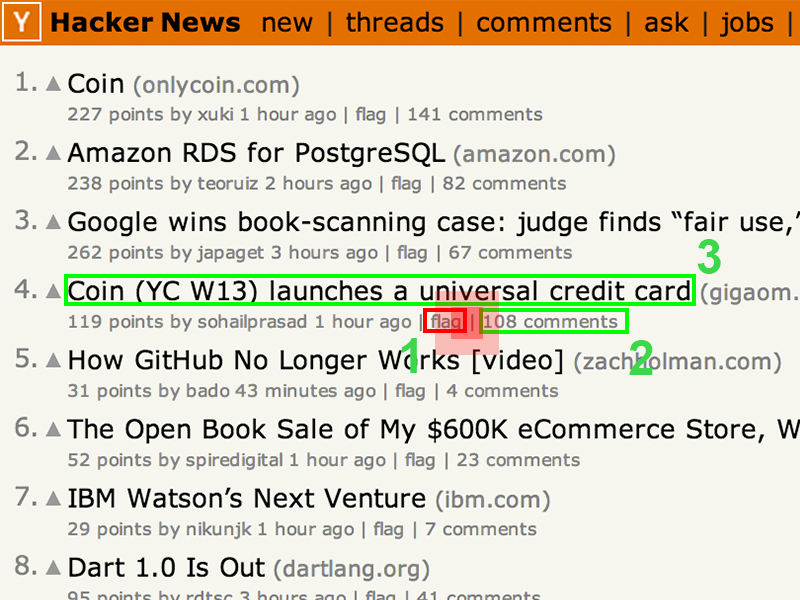
- Creates Tap target box
- Adds a bounding box around tap
- Finds all targets with bounding box
- Scores each element for closeness to touch
- Finds the closest
- Compares score to all elements
User clicks a link
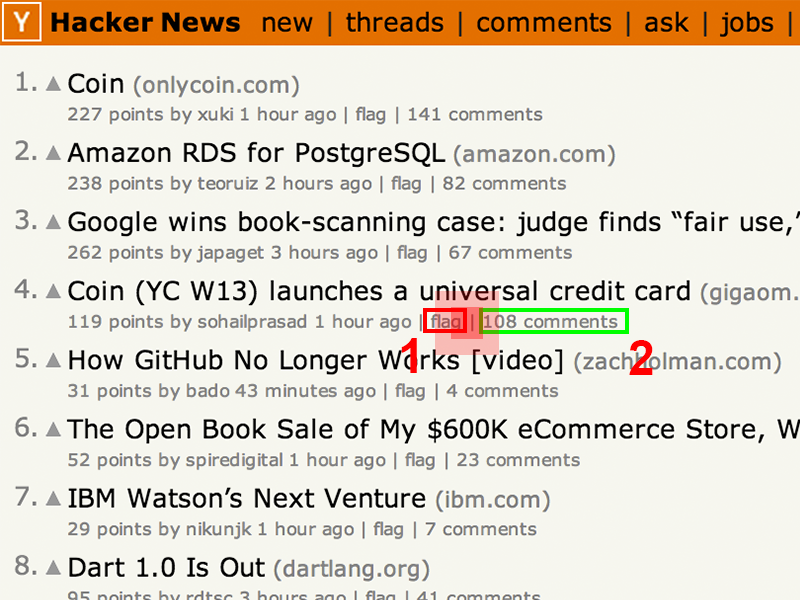
- Creates Tap target box
- Adds a bounding box around tap
- Finds all targets with bounding box
- Scores each element for closeness to touch
- Finds the closest
- Compares score to all elements
- If > 1 element near then show mangnifier
Implementation
Use sensible padding
Tap Targets
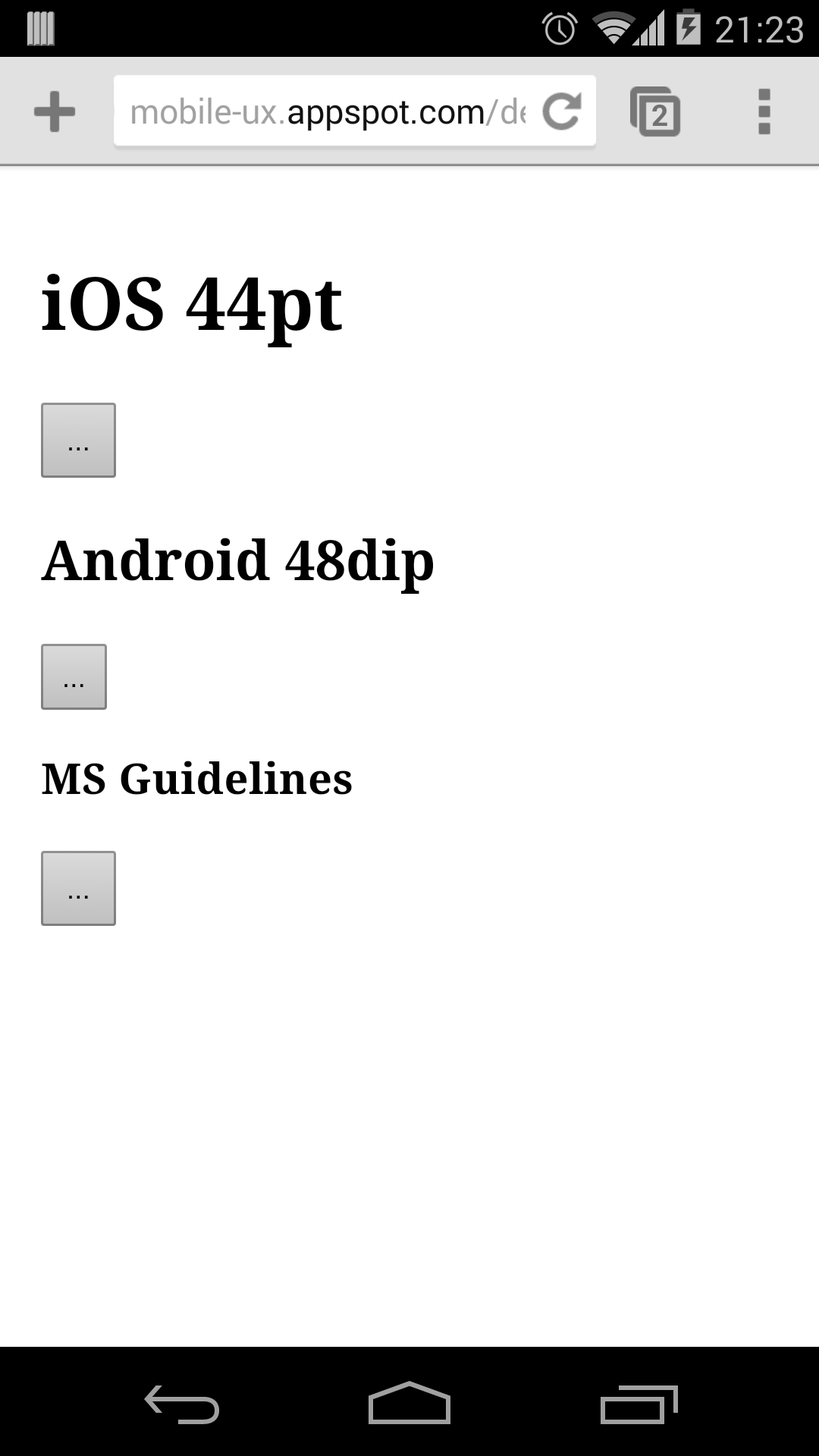
Minimum target recommendations
- iOS: 44 pt
- Android: 48 dip
- Microsoft: 9mm
What do they mean in web terms?
Tap Targets - On the web
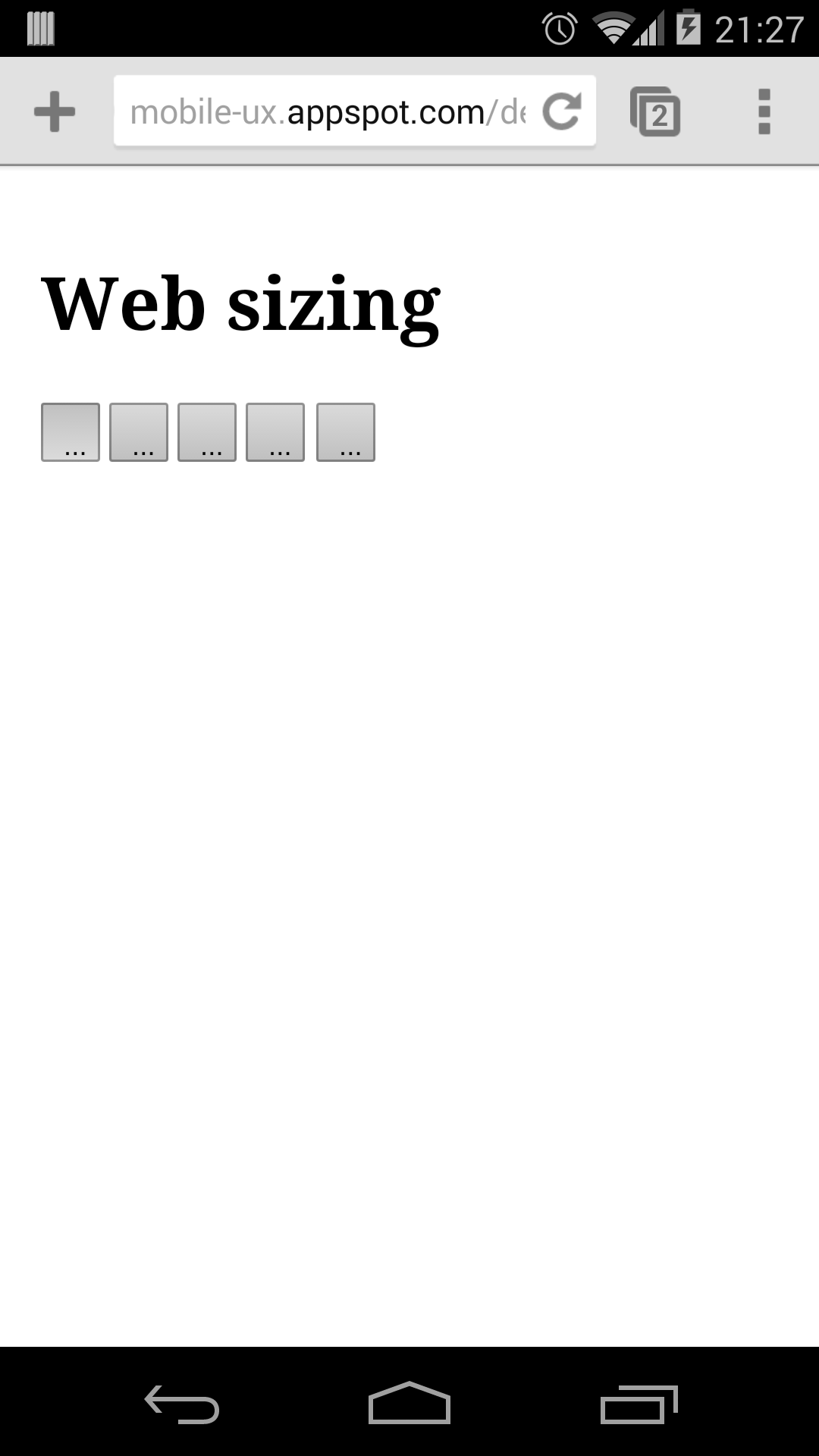
1 CSS px is 1/96in
- iOS: 33px
- Android: 29px
- Microsoft: 33px
- Suggested target size: 26 CSS pixels == 7mm
- Suggested margin: 8 CSS Pixels == 2mm
Form inputs
<form method="post">
  <label for="fname">First name:</label>
  <input type="text" name="fname" id="fname">
  <label for="lname">Last name:</label>
  <input type="text" name="lname" id="lname">
  <label for="email">E-mail:</label>
  <input type="text" name="email" id="email">
</form>
- Apply same tap spacing rules
- Use labels
Who likes waiting in a queue?
300ms click delay
- Used to detect "double-tap" to zoom
- Slows down interaction
Why do we need this on a mobile optimized page?
Google Interview Question
How much time do we waste every day with the 300ms click delay?
I have no idea
But I do know for Wikipedia
http://stats.wikimedia.org/EN/TablesPageViewsMonthlyMobile.htm
1,400 request per second
423 seconds wasted every second
1 year wasted every day
(36,547,200 seconds)
Chrome has removed 300ms delay
Great for links
Better for interaction
Removing 300ms delay
Double tap to zoom is disabled
- Use a viewport
<meta name="viewport" content="width=device-width"> - Size content to viewport
- Use fastclick if not on Chrome
Who loves typing on a phone?
I love typing on a phone.
— No one ever.
Minimize typing
Specialized keyboards
- Use semantic types
<input type="email">
<input type="search">
<input type="url">
<input type="tel">
<input type="number">
<input type="date">
<input type="week">
<input type="month">
<input type="datetime-local">
- Increases accuracy
Take advantage of autocomplete
- Provide hints to the browser
<form method="post">
  First name:<input type="text" name="fname">
  Last name: <input type="text" name="lname">
  E-mail: <input type="text" name="email">
  Phone: <input type="text" name="phone">
  Address: <input type="text" name="address">
</form>
- autocomplete="off"
Plan for requestAutoComplete
if(!!form.requestAutocomplete) {
  // enhance form
}

button.addEventListener('click', function(){
  form.requestAutocomplete();
});

// see details on event handling below
form.addEventListener('autocomplete', function(){
  // successful rAc
  // Call your client-side form validation logic here
  form.submit();  // trigger submit
});

form.addEventListener('autocompleteerror', function(){
  // event.reason is one of "cancel", "invalid" or "disabled".
});
More Info: goo.gl/SEUt0n
Wrapping up
We love feedback!
developers.google.com/speed/pagespeed/insights/
Paul Kinlan

Twitter: @paul_kinlan
Blog: paul.kinlan.me
Thank you
Twitter: @paul_kinlan
Blog: paul.kinlan.me